Download the installer
Get the installer for your computer from the download page, which also lists each file’s size and SHA-256:
| Computer | File |
|---|---|
| Windows 10/11 | the .exe installer |
| Mac with Apple Silicon | the .dmg marked aarch64 |
| Mac with Intel | the .dmg marked x64 |
On a Mac, drag Recall into Applications. On Windows, run the installer.
Get past the unsigned-app warning
Recall’s alpha isn’t code-signed or notarized yet. The warning is about a missing certificate, not about the download. Only use installers from the releases page or sent to you by the Recall team.
Windows. You’ll see “Windows protected your PC” and “Unknown publisher”. Click More info, then Run anyway. You may see it again the first time Recall updates itself. Same answer.
Mac. Open Recall once. macOS refuses with “Apple could not verify ‘Recall’ is free of malware”. Open System Settings → Privacy & Security, scroll to the message about Recall, click Open Anyway, and confirm. You only do this once.
If macOS says Recall “is damaged and can’t be opened”, it isn’t damaged. Run this in Terminal, then open Recall again:
xattr -dr com.apple.quarantine /Applications/Recall.app
Install the Ableton script, then restart Live
Recall’s setup finds your Ableton User Library on its own and installs a small Control Surface script, the same built-in mechanism Live uses for hardware like Push.
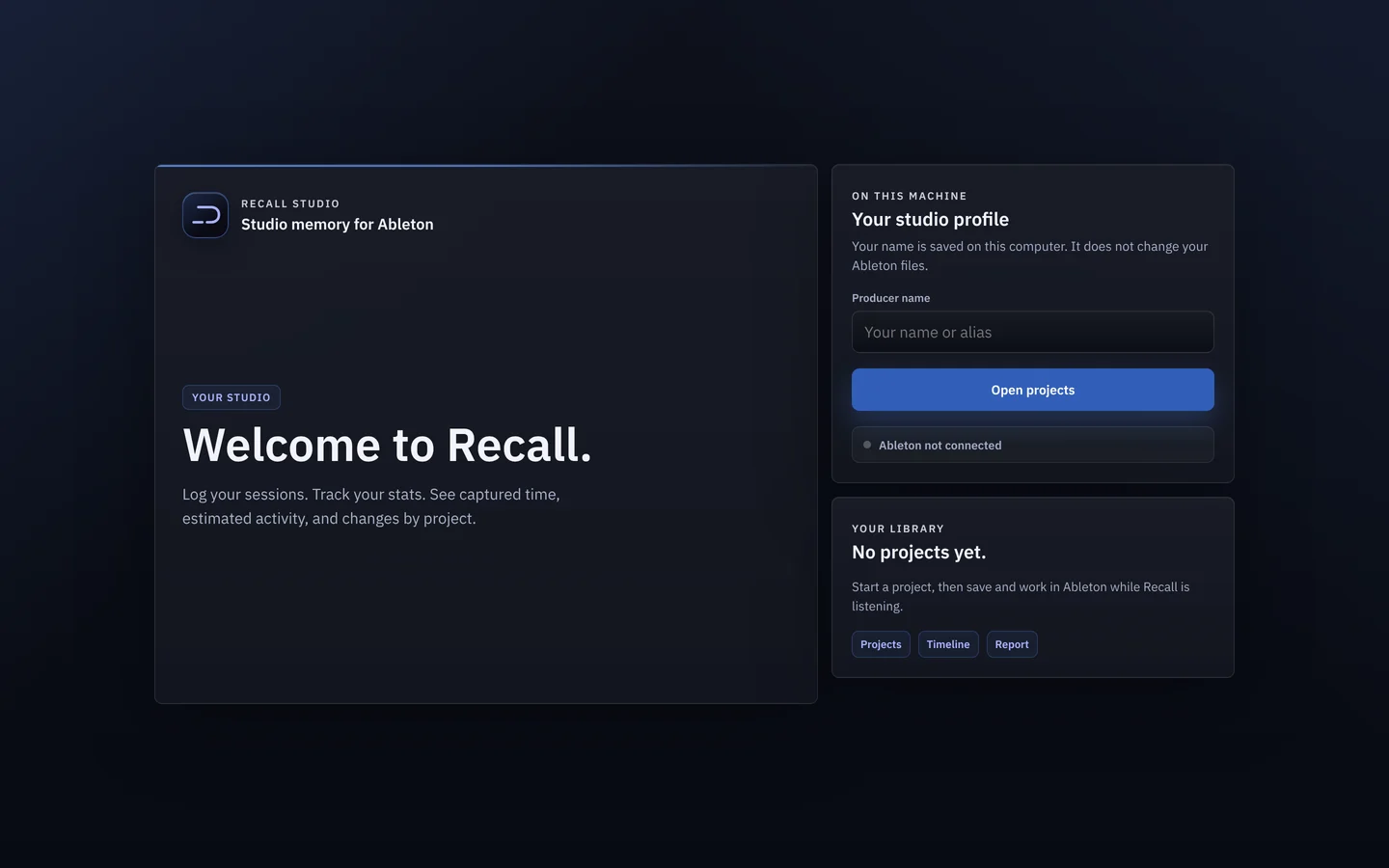
Restart Ableton after the script installs. Live only loads these scripts when it starts, so nothing connects until you do.
Choose Recall as a Control Surface
- In Ableton, open Preferences → Link, Tempo & MIDI.
- Find an empty Control Surface slot and choose Recall.
- Leave MIDI Input and Output set to None. Recall doesn’t need them.
That’s a one-time step. From then on Recall is on for every set, with nothing to add per project.
Check it’s listening
Recall’s sidebar status changes from “Listening for Ableton…” to Listening to Ableton. Open a project and work the way you normally would, with Recall running in the background.
Updating
When a new version is out, a card appears naming the version you have and the new one. Click Update now: Recall downloads it, closes and reopens by itself. Later dismisses the card and changes nothing.
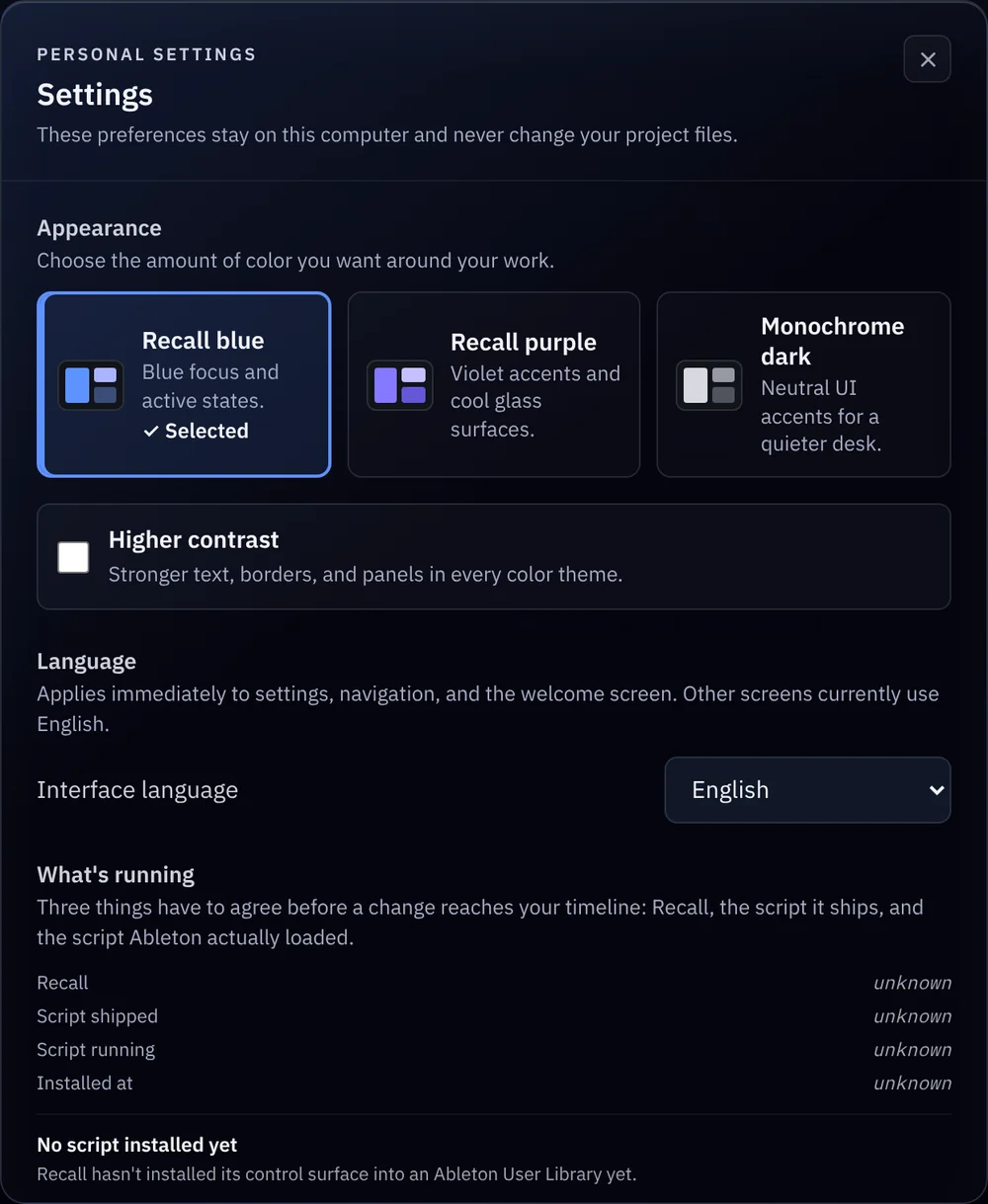
To confirm, open Settings → What’s running. If the release changed the Ableton script, quit and reopen Ableton so it picks up the new one.
If something’s off
Recall isn’t in the Control Surface list. Quit Live completely and open it again. Live reads its scripts at startup.
An older track name shows up. After you delete, reorder or group tracks, Live renumbers auto-named tracks. Recall keeps the name a track had when the work was captured.
Anything else. Use Report a problem in the sidebar. You read the full report before it’s sent, and nothing is sent automatically.